Read the audit log
The audit log is content-free and kept six years; it answers “who did what, when”.
Applies to: Gateway, Hosted
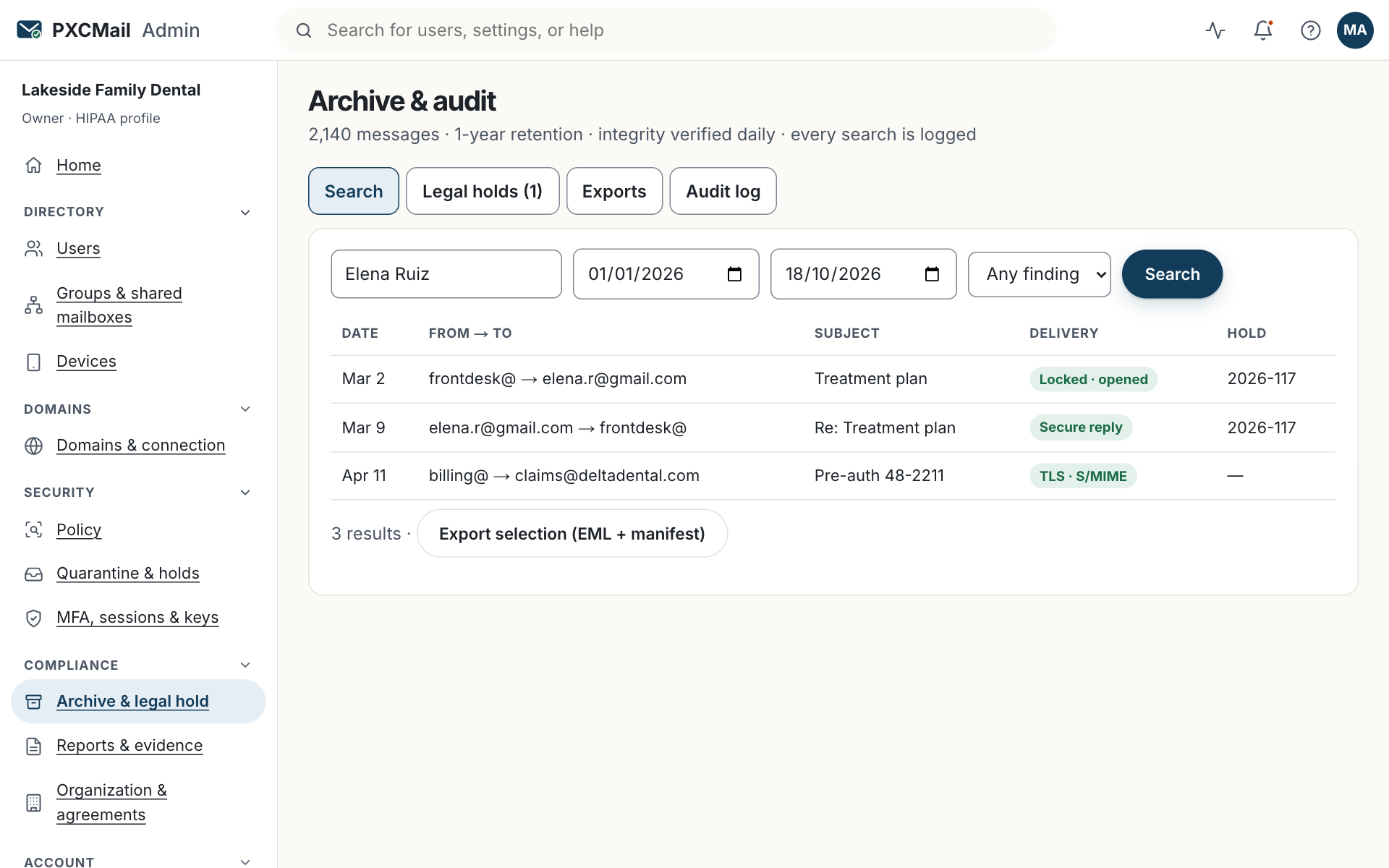
The audit log under Console → Archive & audit records one entry for every message decision and every admin action, with actor, role, time and reason, so you can answer a patient complaint, an auditor’s question or a breach assessment from one screen without opening any message content.
Before you start
- Compliance, Admin or Owner role. Compliance is read-only, which is the right role for an outside auditor during an engagement.
- Your question phrased as actor, object or time: “who viewed this patient’s messages”, “what changed in policy in March”, “what did this account send the day it was phished”.
- For HIPAA, this is the record of activity that 45 CFR 164.312(b) asks covered entities to keep for systems that hold ePHI.
Steps
- Console → Archive & audit → Audit log. The newest entries are at the top.
- Filter by actor (a user, an admin, PXCMail support, or “system” for automatic actions), action (for example
message.scanned,message.locked,hold.released,policy.updated,user.removed,content.viewed), object (a message, user, device or policy version) and date range. - Open an entry. It shows the actor and their role, IP address, time, the object, and details such as the policy decision and reason, the encryption method used, or the reason given for a content view.
- For a message, click through to its record: sender, recipients, findings, action, delivery result and every open of a locked message. Content is in the archive, not the log; opening it is a separate logged action.
- Export the filtered view as CSV or JSON from the top of the list. On Hosted Pro the audit API returns the same entries with cursor pagination; webhooks can push them to your SIEM.
Verify
The export contains the chain hash for the period. Entries are hash-chained and snapshotted daily to immutable storage, so an auditor can confirm that nothing in the range was altered or removed. The export itself appears in the log as audit.exported under your name.
Troubleshooting
- You cannot find an action you know happened. Cause: the filter is on the wrong actor; actions taken through directory sync or a Partner show as “system” or the partner’s name. Fix: clear the actor filter and search by object and date.
- The log shows PXCMail support viewing configuration. Cause: a support ticket; tier-1 support sees configuration and metadata only, from Southeast Asia. Fix: nothing; content access is US-only and would appear as a separate, logged entry.
- The export is slow for a long range. Cause: six years of entries for an active tenant is a large file. Fix: export by quarter, or use the evidence pack, which packages the period you choose.
Example
A patient of Lakeside Family Dental, a 12-person office on Google Workspace, asks who has looked at the treatment plan she received. The office manager filters the audit log by the patient’s address over the last 90 days. The record shows one message.locked entry from frontdesk@, two opens by the patient from her phone, and no content.viewed entries from staff. She exports the three lines to CSV and answers the patient in writing the same day.
FAQ
Does the log contain message content?
No. It holds metadata and decisions. Content lives in the archive, and viewing it writes a content.viewed entry with a reason.
How long is the log kept?
Six years, on every plan, regardless of your archive retention.
Can an auditor access it directly?
Yes. Give them a Compliance role for the engagement and remove it afterwards; both changes are logged.
Can entries be deleted by an Owner?
No. Entries are append-only and chained. If you leave PXCMail, you receive an export of everything within 30 days, followed by a certificate of destruction.
Related
Still stuck? A human answers within 15 minutes on chat, 1 hour by email during business hours (24/7 for outages).