Multi-factor authentication for every user
MFA is required for every account. Enrollment takes a minute; recovery never bypasses it.
Applies to: Gateway (console), Hosted (console, webmail, Outlook/EAS)
Every PXCMail account signs in with a password plus a second factor (an authenticator app code or a FIDO2 security key); there is no setting to turn it off, and an admin can reset a user’s MFA but never sign in as them.
Before you start
- An authenticator app (Google Authenticator, Microsoft Authenticator, 1Password, Authy) or a FIDO2 security key (YubiKey or similar).
- Somewhere safe for recovery codes: a password manager or the office safe, never an email draft.
- Why it is required: the FTC Safeguards Rule lists MFA as a required element at 16 CFR 314.4(c)(5), and the HIPAA Security Rule requires person or entity authentication at 45 CFR 164.312(d). PXCMail enforces it so your written policy and practice match.
Steps
- Open the link in your welcome email, or sign in at the console; you are asked to enroll before anything else loads.
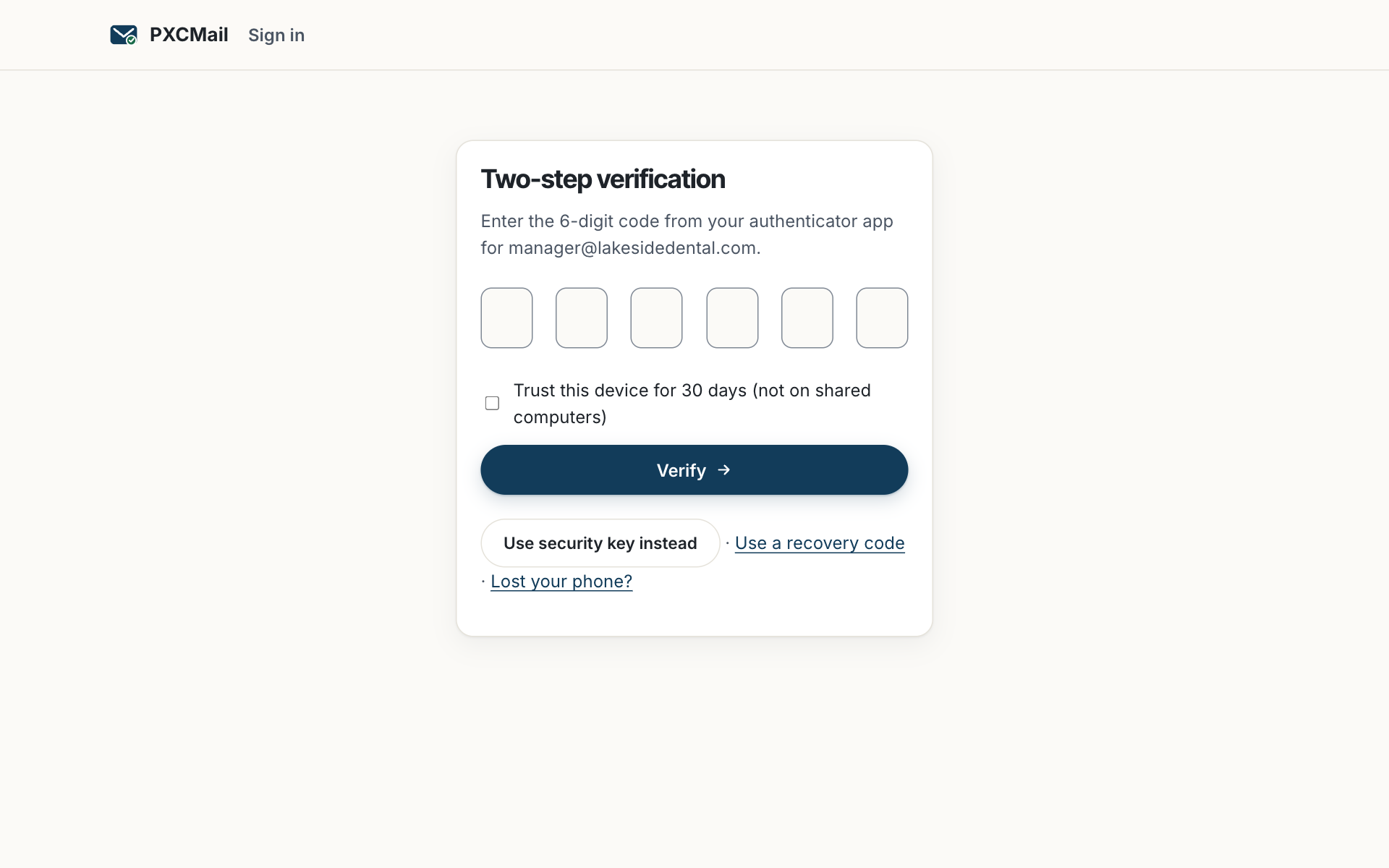
- Choose Authenticator app and scan the QR code, or Security key and insert and touch the key. Enter the six-digit code (or touch again) to confirm.
- Download or print the recovery codes. Each works once. Store them as above.
- On Hosted, Outlook and phones ask for MFA on first sign-in and then keep a device token; IMAP clients cannot do MFA and use an app password instead.
- Admins: Console → Security → Session policy to require security keys for Owner and Admin roles and to set the console idle timeout (default 15 minutes).
Verify
Your profile shows “MFA: enrolled” with the method and date. Admins see the same for everyone under Console → Users & devices, where anyone not yet enrolled is flagged; the welcome email can be resent from the user row.
Troubleshooting
- Lost or replaced phone. Cause: the authenticator app went with the old phone. Fix: sign in with a recovery code and enroll the new phone; or ask an Admin to reset MFA. The Admin verifies identity on a second channel (a call to a known number) and the reset is logged.
- Codes are rejected. Cause: the phone’s clock is off. Fix: set the phone to automatic time; codes depend on it.
- Prompted too often. Cause: your organization’s session policy. Fix: the console times out after the idle period set by your Admin; Outlook and phones keep their token and are not re-prompted.
- Admin wants to “log in as” a user to help. Cause: there is no such feature. Fix: use Reset MFA or a password reset; access to a mailbox requires the user, or a documented break-glass with dual approval.
Example
Ortiz CPA’s PTIN renewal asks whether the firm uses multi-factor authentication. Daniel Ortiz opens Console → Users & devices, sees “MFA: enrolled” for nine of nine, and requires security keys for himself and the office manager under Session policy. For the WISP, he cites 16 CFR 314.4(c)(5) and attaches the quarterly compliance report, which lists enrollment status. When a preparer loses her phone in March, she uses a recovery code and enrolls a new one; the event appears in the audit log.
FAQ
Can we use text message codes instead?
No. SMS is used for recipients opening locked messages, not for staff sign-in. Staff use an authenticator app or a security key.
Can MFA come from our Google or Microsoft sign-in?
On Hosted Pro, SAML/OIDC single sign-on hands authentication to your identity provider, and its MFA applies. See Single sign-on. SCIM provisioning is on the roadmap (ROADMAP).
What if the only Owner is locked out?
Contact support. Identity is verified against the signed agreement and billing contact, the reset is approved by two PXCMail staff, and everything is logged.
Related
Still stuck? A human answers within 15 minutes on chat, 1 hour by email during business hours (24/7 for outages).