App passwords for IMAP clients
App passwords are for mail only, per client, and can be revoked without changing your main password.
Applies to: Hosted
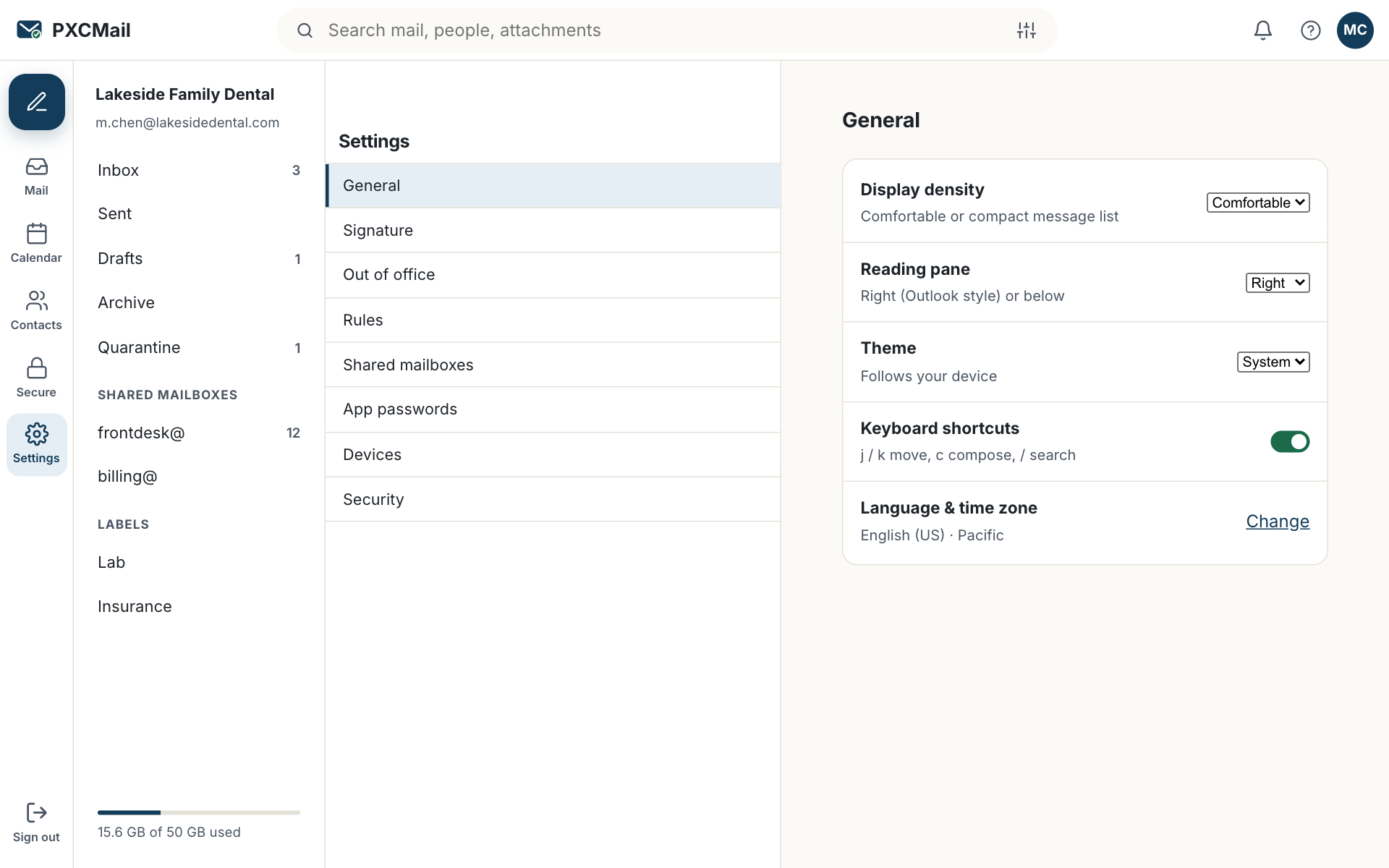
An app password is a separate, randomly generated password that one IMAP or SMTP client uses in place of your account password and MFA; it reaches mail only, it is shown once, and you or an admin can revoke it on its own when the laptop is lost or the client is retired.
Before you start
- A Hosted mailbox with MFA enrolled. App passwords are not offered until MFA is set up.
- Confirm you need one. Outlook, iPhone, iPad and Android use native sync with MFA; app passwords are for clients such as Thunderbird, Apple Mail over IMAP, or a scanner or practice system that sends through SMTP.
- The client’s settings: IMAP
imap.pxcmail.comport 993, SMTPsmtp.pxcmail.comport 465, username is your full address.
Steps
- Webmail → Settings → App passwords → Create. Name it for the client and the machine, such as “Thunderbird, front desk PC” or “Copier, scan-to-email”.
- Copy the password when it is shown. It is shown once.
- In the client, enter your full address as the username and the app password as the password, with TLS on for both IMAP and SMTP.
- Back in Webmail → Settings → App passwords, the entry shows the creation date and updates with the time of last use.
- To revoke, click Revoke on the entry. The client stops authenticating immediately. Admins can revoke any user’s app passwords from Console → Users & devices → the user → App passwords.
Verify
The client syncs mail and sends a test message. In Webmail → Settings → App passwords the entry shows a last-use time within the last few minutes. The audit log records apppassword.created and, later, apppassword.revoked with the actor.
Troubleshooting
- The client keeps asking for the password. Cause: the username is the short name instead of the full address, or TLS is off. Fix: use
name@yourdomainas the username and select SSL/TLS on ports 993 and 465. - The Create button is missing. Cause: MFA is not enrolled. Fix: enroll MFA from your profile; the button appears once enrollment is complete.
- Mail arrives but sending fails. Cause: the client is using port 587 without authentication or port 25. Fix: set SMTP to
smtp.pxcmail.com, port 465, authentication on, same app password. - A copier or practice system stopped sending after a staff change. Cause: the app password was created under the person who left and was revoked at offboarding. Fix: create a new one under a service user, not a personal account.
Example
Northside Counseling, a small counseling practice on Hosted, runs a copier that scans intake forms to email and a billing PC with Thunderbird. The office manager created one app password named “Copier, scan-to-email” under a dedicated service user, scans@, and another named “Thunderbird, billing PC” under her own account. When the billing PC was replaced, she revoked the Thunderbird entry from Webmail settings and created a new one for the new machine; the copier kept working, and both changes are in the audit log.
FAQ
Does an app password bypass MFA?
For that one client, yes, which is why it reaches mail only, is tied to a named client and can be revoked alone. The console, webmail and native sync still require MFA.
Can I use one app password in several clients?
You can, but you lose the ability to revoke one client without the others. Create one per client.
Can an admin see my app passwords?
Admins see the name, creation date and last use of each entry, and can revoke it. The password itself is never shown again to anyone.
What happens to app passwords when a user is offboarded?
They are revoked along with the device wipe, and the audit log records it. See offboard a user.
Related
Still stuck? A human answers within 15 minutes on chat, 1 hour by email during business hours (24/7 for outages).